If you are running an online business and you want to get traffic from Instagram, Instagram is not only about posting photos and videos—many people use it to drive traffic to their website, online store, , landing page, or product page. If you also want to get more Instagram followers, BoostigStore is a trusted site for you. also want to send your followers to your website, product page, or any other link, the best way is to use Instagram Stories. Story link stickers help you get more traffic, promote your services, and increase engagement.
What Is a Link Sticker on Instagram?
A Link Sticker on Instagram is a tool that allows users to add clickable links to their Stories. Instead of writing a URL in captions, followers can tap the sticker to visit a website, product page, blog, or video instantly. It is available for all accounts and is a simple way for creators and businesses to drive traffic, promote products, and increase engagement.
How to Add a Link to an Instagram Story (Step-by-Step)
Instagram Stories used to have the “Swipe Up” feature, but it was only for verified accounts or people with 10,000+ followers. Now, you can use the Link Sticker and the Link in Bio to send people from Instagram to your website, products, or other pages. Adding a link to your Instagram Story is very simple.
Follow these easy steps:
Open Instagram and Create a Story
Swipe right from your home screen or tap your profile photo in the top-left corner.
Choose to take a photo, record a video, or upload something from your gallery.
Tap the Sticker Icon
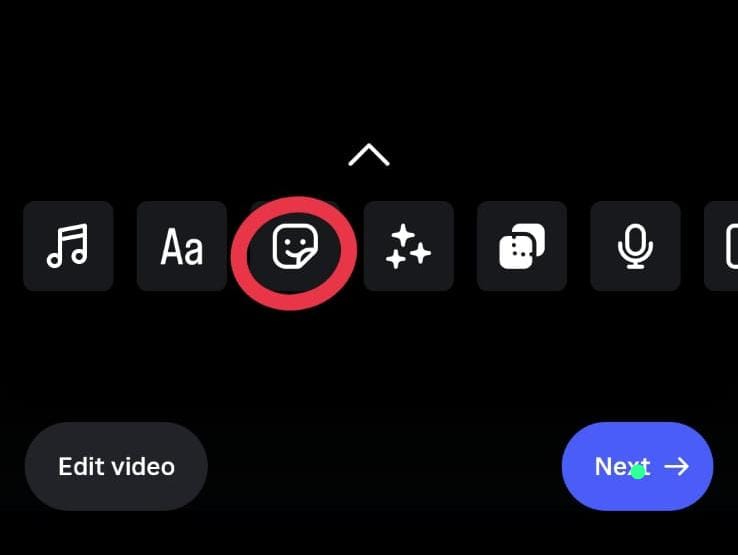
Tap the Sticker Icon to see many fun stickers on your screen. You can choose any sticker you like and add it to your message. Stickers help you show your feelings in a simple way. They make your chats more colorful, happy, and easy to understand.
Select the “Link” Sticker
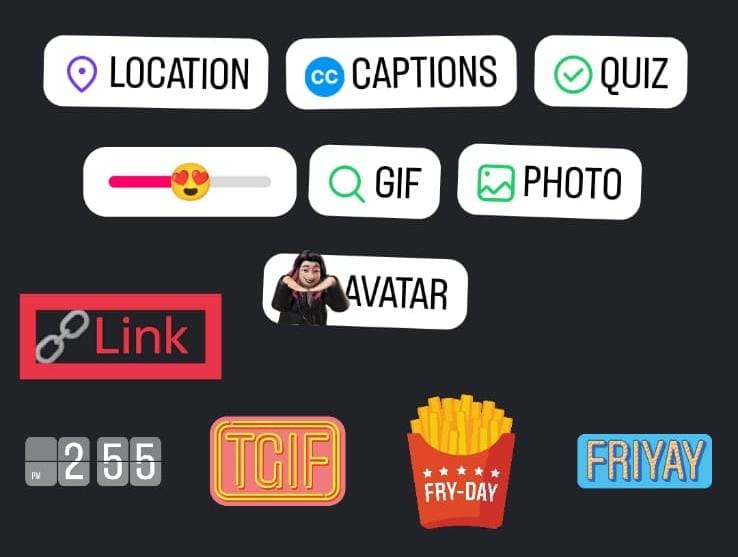
Scroll down until you find the sticker named “Link.”
This is where you will add your website or page link.
Enter Your URL

Type or paste the link you want to share, such as:
- Your website
- Product page
- Blog post
- Signup form
- Landing page
Double-check the link to make sure it’s correct.
Make Your Link Sticker Look Better
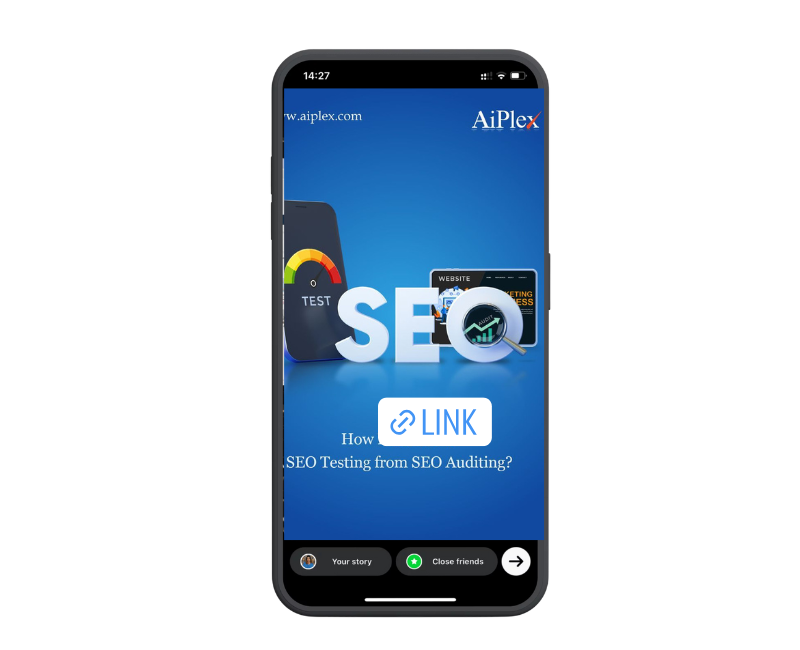
Changing your link sticker can help your Story stand out and get more clicks.
Change the text:
Instead of showing a long website link, use short action words like Shop Now, Read More, or Get Details so people know what to do.
Pick clear colors:
Tap the sticker to switch colors or press and hold to choose a color that matches your Story. Use colors that are easy to see and match your brand.
Place the Sticker on Your Story
Tap Done and position the sticker where it is easy to see.
Avoid placing it near the bottom where viewers might skip your Story.
Share Your Story
Tap “Your Story” to publish it.
Your followers can now tap the sticker and visit your link instantly.
How to Add a Link on Instagram Reel
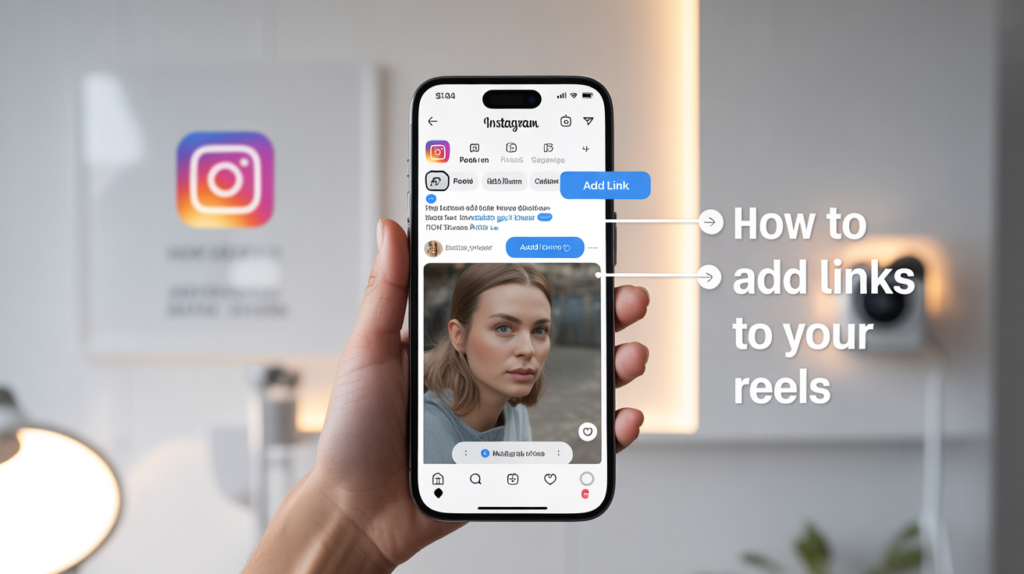
Instagram Reels reach more people than regular posts. This makes them a great place to add a link, especially if you want to promote a website, product, or service.
Create a Reel
Tap the + button and choose Reel. Create a fresh video or import existing clips from your gallery. Add music, text, filters, or effects to make your Reel more engaging.
Tap Next
After finishing your video editing, tap Next to move to the final screen. This is where you can add captions, tags, and the link to your Reel for viewers to click.
Tap Add Link
On the final screen, you will see the option “Add Link.” Tap it, and a small box will appear where you can paste the URL of the page you want your followers to visit.
Enter Your URL
Paste your link into the box. Remember, Instagram only allows one clickable link per Reel, so choose the most important one, such as your website, product page, or blog post.
Post Your Reel
Tap Share to publish your Reel. A link button will appear under your username, and viewers can click it to visit your page, helping you get traffic and engagement.
How to share a link on an Instagram story
Open the video whose link you want to share, click on the share button, and then click on the option for the platform on which you want to share it. You can copy the link or post it as a WhatsApp status to quickly reach friends, groups, and social media audiences for easier viewing and engagement.
Link Sticker Ideas to Help Your Business Grow
Introducing a New Product
Show off your latest item with a Story photo or Reel. Add a link sticker so viewers can easily open the product page and make a purchase.
Promoting a Blog Post or Content
Share a quick teaser or eye-catching graphic of your newest article. Include a link sticker so followers can read the full post.
Highlighting a Special Deal or Offer
Use strong calls to action like “Shop Now” or “Claim the Deal” to build urgency and boost sales.
Sharing Event Tickets or RSVP Info
Upload an event poster or teaser clip. Add a link sticker that sends viewers straight to the registration page for simple sign-ups.
Posting Hiring Updates or Job Opportunities
Show behind-the-scenes moments of your team or workplace. Add a link sticker that directs people to your job listings so they can apply right away.
Conclusion
Knowing how to add a link on Instagram Story and Reel is a simple but powerful way to grow your online presence. Whether you want to promote your website, sell products, or share helpful content, Story Link Stickers and Reel Links make it easy for followers to visit your page. Start using links today, experiment with creative CTAs, and watch your traffic and engagement grow. Instagram gives you the tools—now it’s time to use them to reach your audience and achieve your goals.